Welcome!
Please introduce yourself:
Name
Organization/Institution
Why are you here?
Outline
1:00-1:15
Welcome and Intros
Discussion
1:15-1:35
OER and Quarto
Slides
1:35-2:05
Quarto Tutorial
Hands-on
2:05-2:25
Live Code: Intro to WebAssembly
Slides
2:25-2:35
Break
Break
2:35-3:00
Quarto Live Tutorial
Hands-on
3:00-3:15
Interactives: Shiny + Shinylive
Slides
3:15-3:30
Shinylive Tutorial
Hands-on
3:30-3:45
Publishing
Hands-on
3:45-4:00
Wrap-up and Q&A
Discussion
Celebrating 35+ years: 501(c)3 nonprofit organization
Our Mission : A transformative, collaborative community empowering educators to drive innovation in STEM education for all students. We provide unique professional development opportunities for faculty and future faculty, extensive support for a wide range of joint projects, and a community that has the broad aim of student success in STEM. We work together to foster the continued development of each member of the community and to promote their success.
OEE-RCN
The Open Education Ecosystem Research Coordination Network
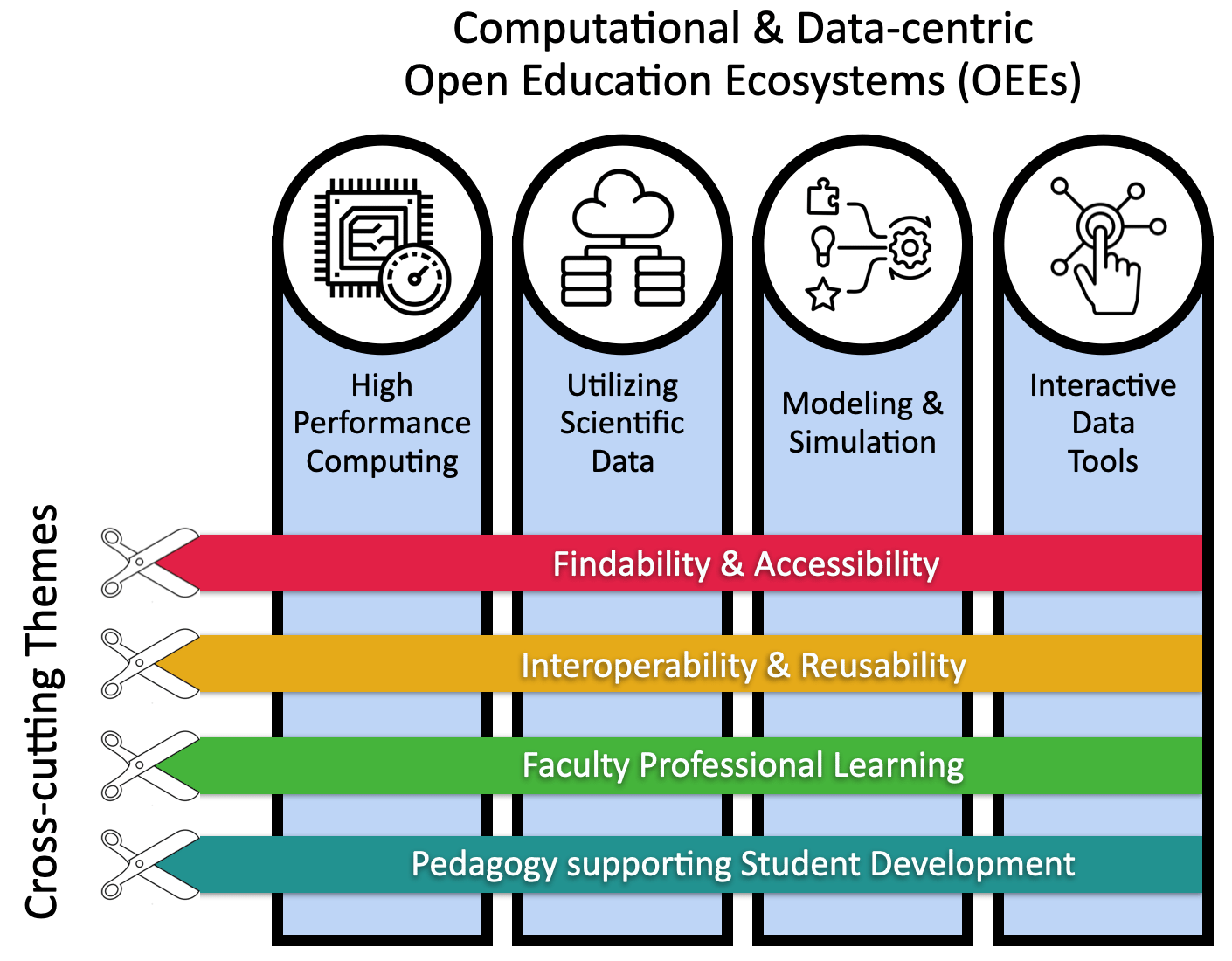
We will establish, incubate, and sustain an Open Education Ecosystem (OEE) designed to address the complex landscape faculty face when adopting computational and data-centric technologies for teaching and learning biology.
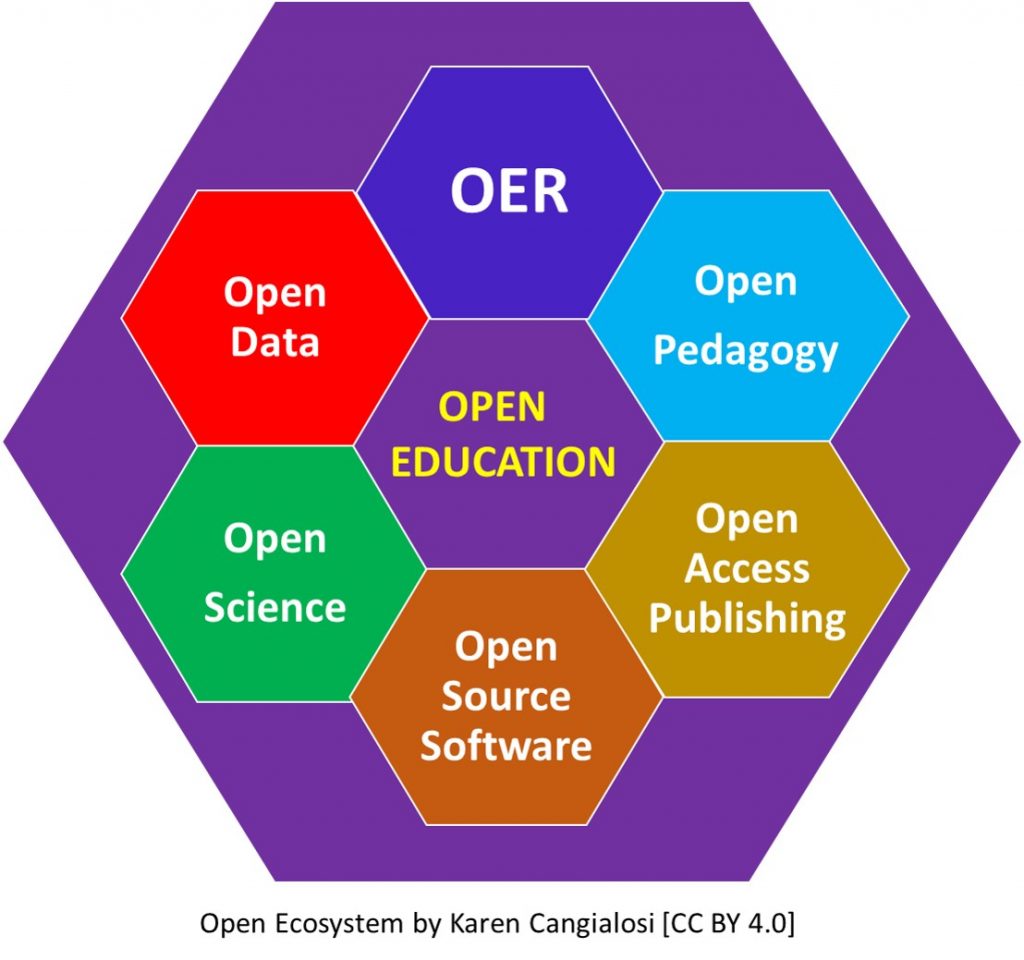
The (STEM) Open Education Ecosystem
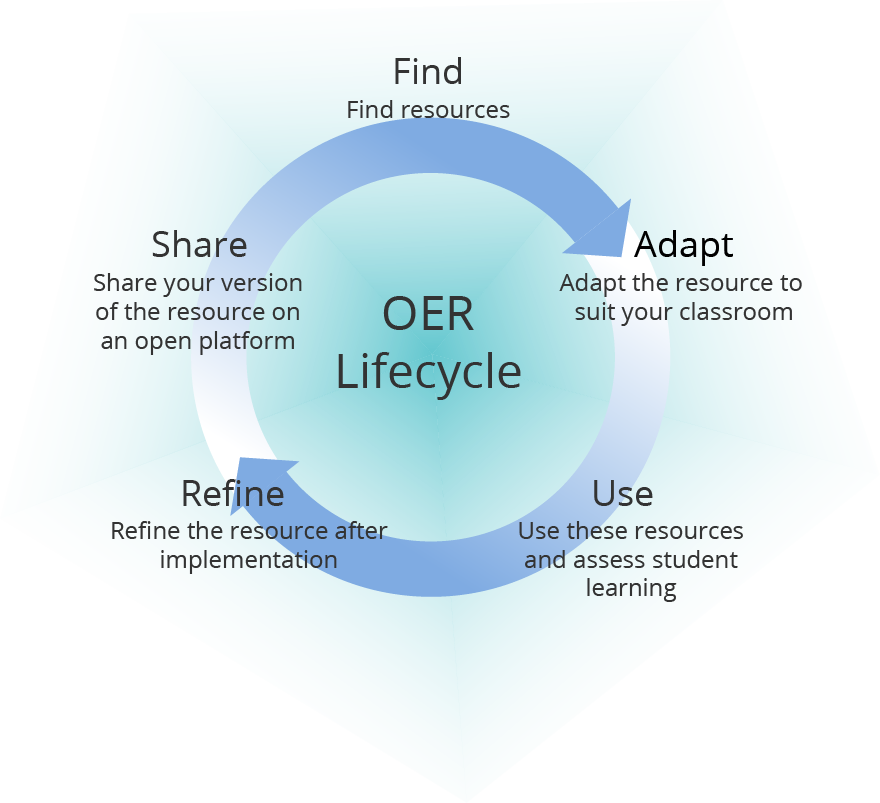
The OER Lifecycle
Challenges:
Finding resources is the “easy” part
Many resources are not modifiable
Very few modified resources are shared back
The Anatomy of an “Open” Resource
Resource Type (Book, Lab, Lecture, Assignment, …)
Resource Format (PDF, DOCX, HTML, …)
The majority of formats used for OER are not modifiable, and therefore the majority of modifications are not shared back to the community.
OER Authoring + Publishing
Examples (platforms, authoring tools, publishing, etc.):
OER Authoring + Publishing
Notebooks:
Introduction to Quarto
The next evolution of R Markdown
A publishing system for R, Python, and more
Creates notebooks, dashboards, books, reports, presentations
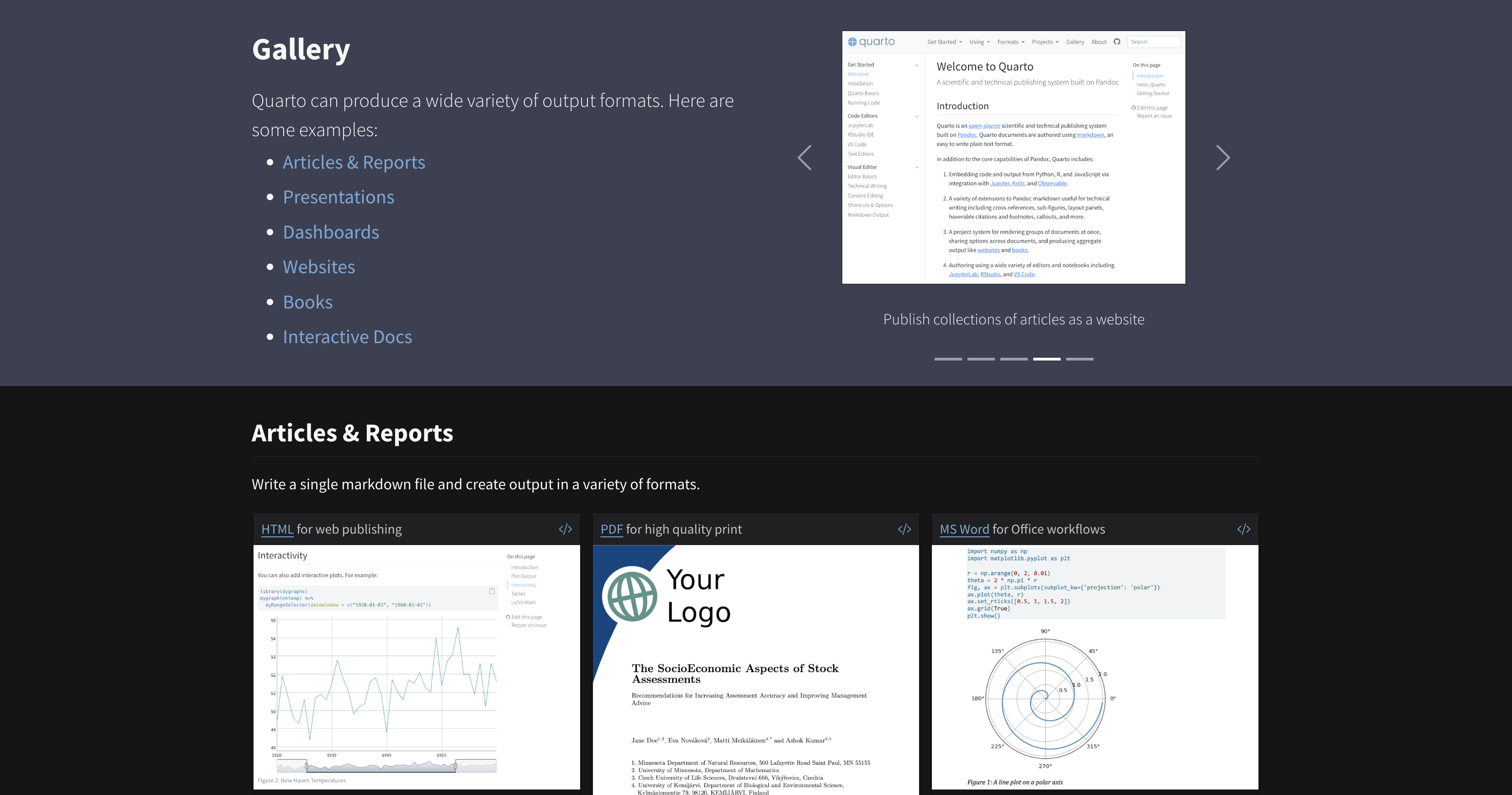
Quarto is a next-generation, open-source publishing system. It has expanded upon R Markdown to add new languages and can add more in the future. R Markdown has a lot of packages doing lots of different things, but Quarto has a shared expression for core features. Create dynamic content with Python, R, Julia, and Observable. Enable “single-source publishing” — create Word, PDFs, HTML, etc. from one source, you can make books, websites, presentations. There are many resources about Quarto, I gave a talk at R-Ladies St. Louis, and happy to link, but will only be sharing most critical aspects.
Anatomy of a Quarto document
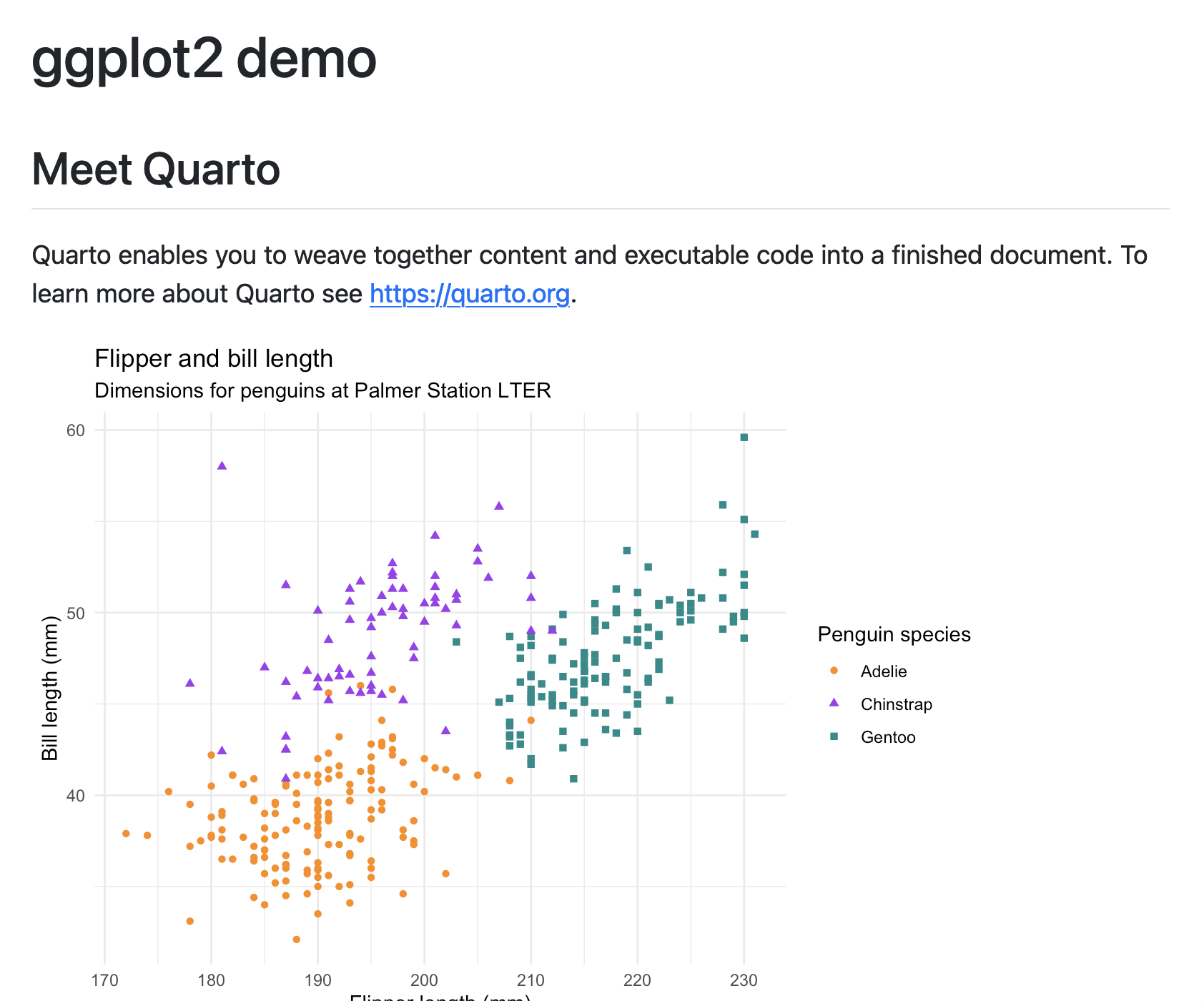
--- title: "ggplot2 demo" format: html: code-fold: true --- ## Meet Quarto <https://quarto.org> .```{r} #| label: plot-penguins #| echo: false #| message: false #| warning: false library (tidyverse)library (palmerpenguins)ggplot (penguins, aes (x = flipper_length_mm, y = bill_length_mm)) + geom_point (aes (color = species, shape = species)) + scale_color_manual (values = c ("darkorange" ,"purple" ,"cyan4" )) + labs (title = "Flipper and bill length" ,subtitle = "Dimensions for penguins at Palmer Station LTER" ,x = "Flipper length (mm)" , y = "Bill length (mm)" ,color = "Penguin species" , shape = "Penguin species" + theme_minimal ()```
Quarto extensions
Journal of Statistical Software (JSS)
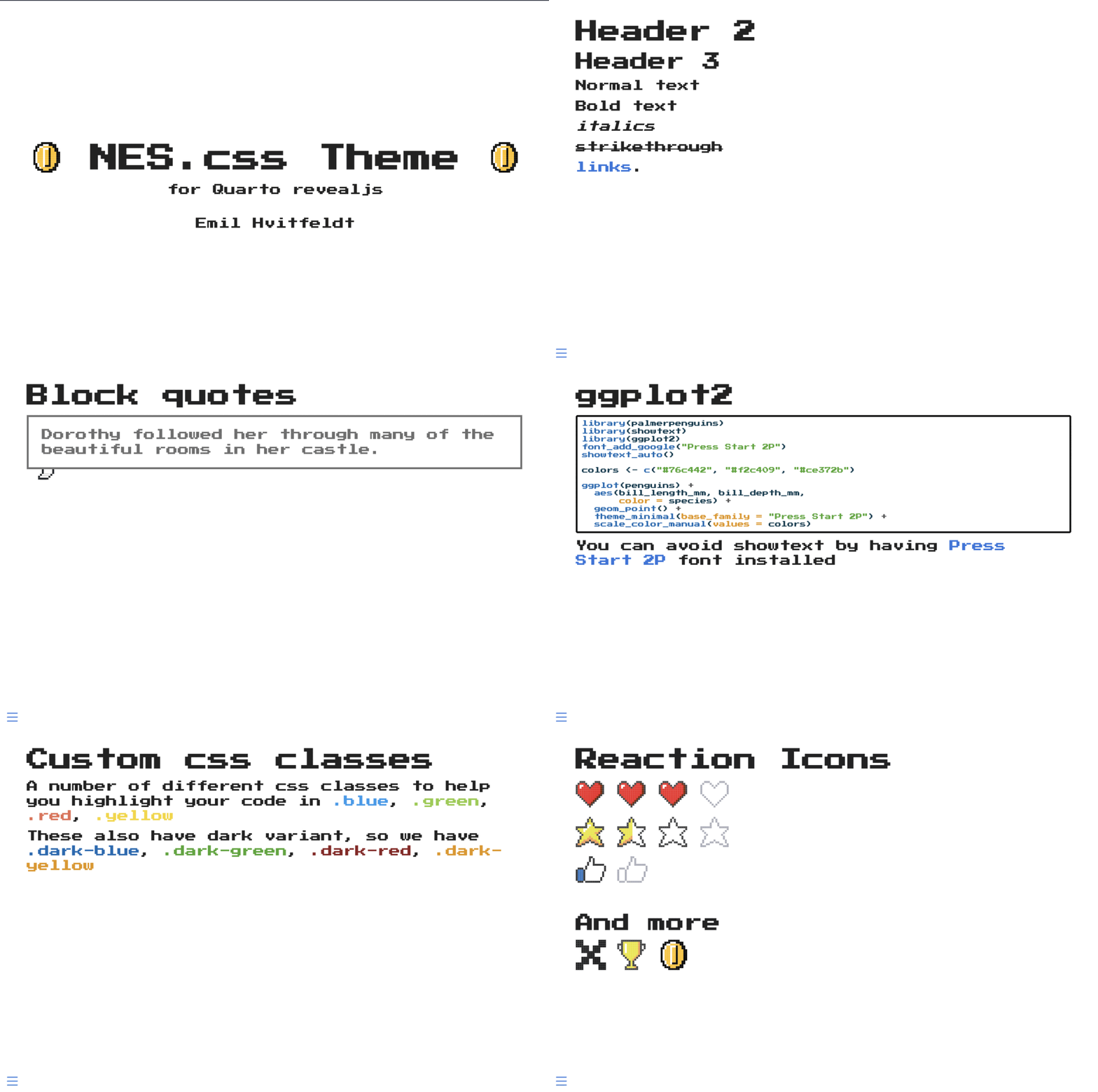
nes-revealjs format by EmilHvitfeldt
Quarto extensions let you customize and extend Quarto’s functionality beyond its built-in features. They enable: New Output Formats – Create custom templates for reports, presentations, or interactive documents, Custom Layouts & Themes – Design unique styling and layouts for HTML, PDF, or Word outputs. Custom Shortcodes & Filters – Modify how Quarto processes content, such as adding new syntax or automating formatting, which I will show in next page. Quarto has a Lua-based extension system, and you can make your own, too.
Quarto extensions
For example, there’s a fontawesome extension.
Install the extension:
quarto add quarto-ext/fontawesome
Add to your Quarto document YAML heading:
Quarto extensions
Use the extension in the doc:
Results in:
Quarto extensions
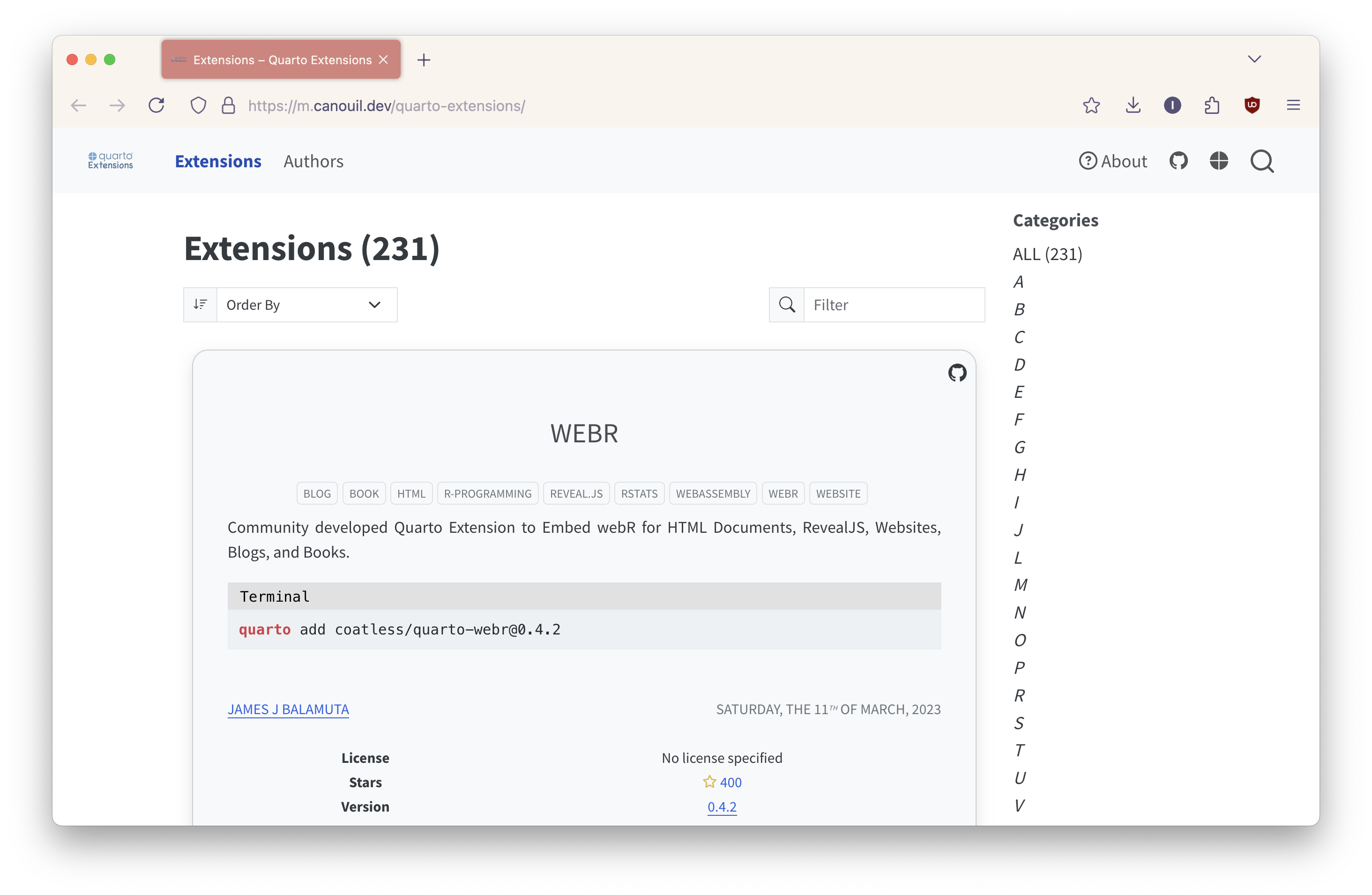
Quarto extension gallery by Mickaël Canouil
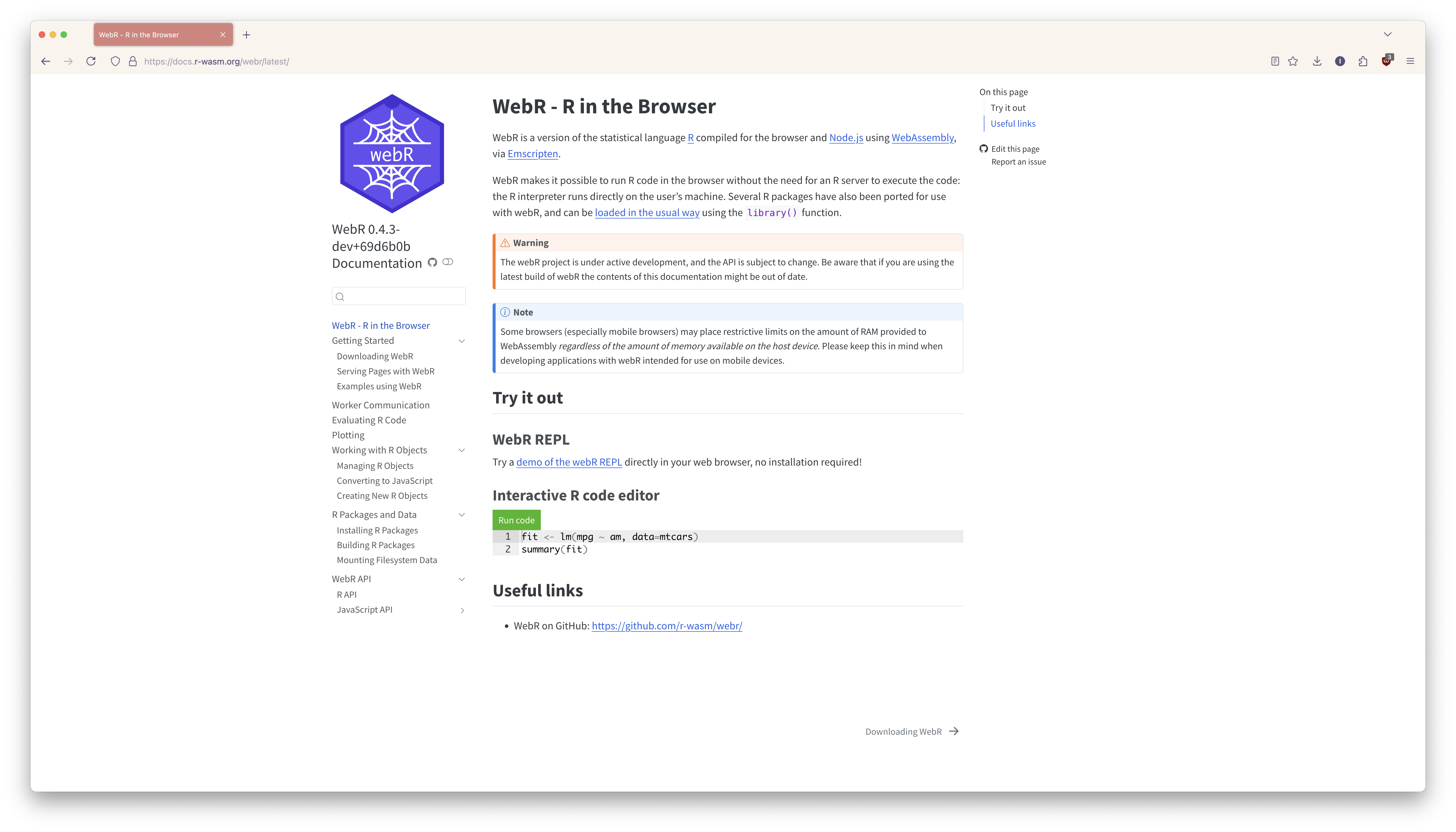
Enter the world of interactive R and Python in the browser. Running code directly in the browser opens the door for many new and exciting uses for data science on the web.
Example: Interactive R console
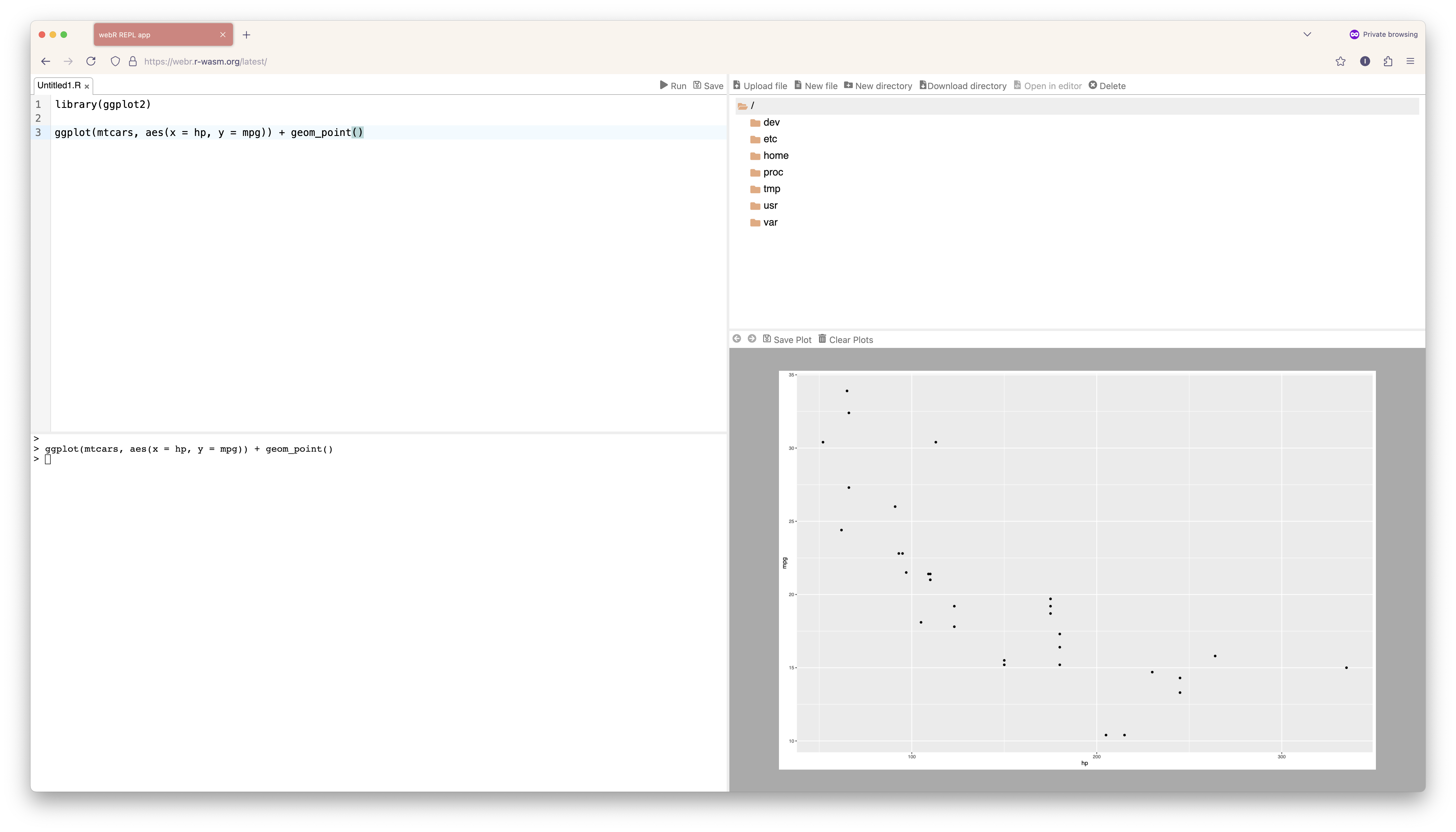
For example, this is a web-based interactive R console that is included in the webR source repo as a demonstration of integrating webR in a wider web application. It provides a simple R environment in your web browser and includes console input/output, code editing, file management, and graphics device output.
This is thanks to the amazing technology brought to you by webR and Pyodide. But first, let’s talk about WebAssembly.
What is WebAssembly?
WebAssemby is a low-level, high-performance binary instruction format that allows code to run in web browsers.
WebAssemby, or Wasm, is a low-level, high-performance binary instruction format that allows compiled languages like C and C++ to run in web browsers at near-native speeds. C and C++ code is compiled by something called Emscripten. Emscripten takes the C/C++ code as input, produces Wasm as a result. Once it’s in Wasm, you can run it in any browser that supports Wasm, which in modern browsers, is most of them.
Python has had a browser solution for a while. Pyodide compiles the Python interpreter CPython to WebAssembly using Emscripten, making it possible to run Python in the browser.
Now, R has a similar solution with webR! WebR is the WebAssembly version of R that has been compiled to run in the browser. It’s an open-source project primarily driven by Posit, and thanks to the amazing work of many folks but especially George Stagg and Lionel Henry, it is possible to run R code directly in a web browser without the need for traditional servers to execute the code. A user can visit a website and run R code directly without R installed on their device. All that is required is a web server such as GitHub Pages or Netlify.
For example, this is a web-based interactive R console that is included in the webR source repo as a demonstration of integrating webR in a wider web application. It provides a simple R environment in your web browser and includes console input/output, code editing, file management, and graphics device output.
Packages with webR
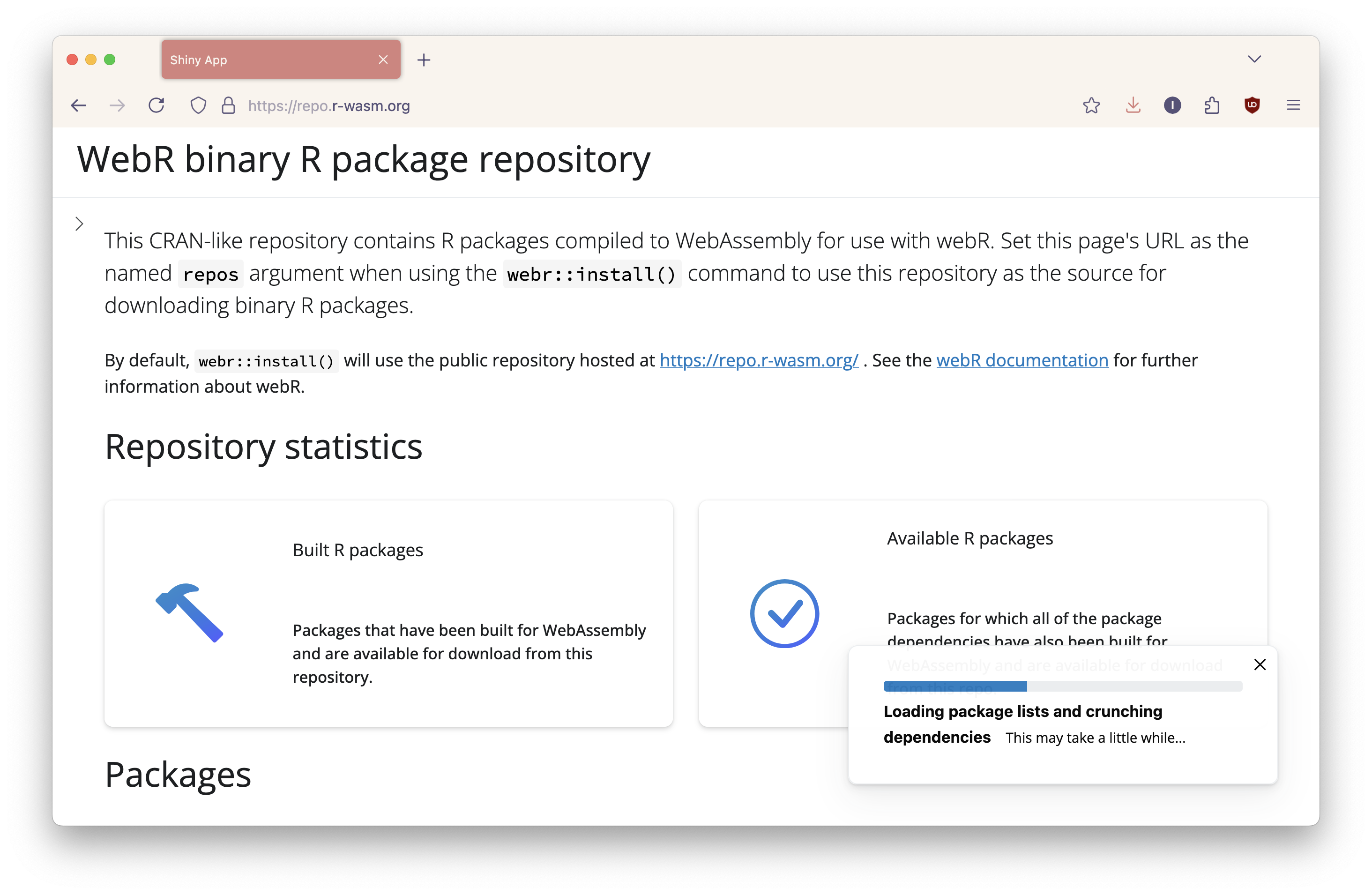
Pyodide include a package manager that allows the use of over 1500 Python packages. It can also install Python wheels or load custom Python packages. There are over 14k R packages available for webR (not all have been tested). The way it works is that the R packages must be compiled for Wasm. By default, webr::install() will use the public repository hosted at https://repo.r-wasm.org/. R Universe is a project by rOpenSci that experiments with ideas for improving the publication and discover of research software in R. It builds Wasm binaries for R packages for use in webR applications. So for your custom R packages, the easiest wy to get up and running is to create a personal R-Universe repo for your packages. The system will automatically build R package binaries for different targets including WebAssembly, which can be used in webR or QuartoLive. There are other options, such as the rwasm package.
How to use webR
Install the package:
Import the WebR class:
import { WebR } from 'webr' ; const webR = new WebR (); await webR. init ();
What if you don’t know JavaScript? 😅
WebR aims to be as quick and easy to use as possible for those familiar with JavaScript web development, which raises the question… what if you don’t know Javascript?
Quarto Live allows you to embed WebAssembly-powered code blocks and exercises in Quarto documents through the quarto-live extension. There’s support for both R via webR and Python via Pyodide. Featuers include interactive code blocks, exercises with hints and solutions, and rich output like plots. And most importantly, web development skills are not needed to use webR in your content. I wanted to mention that originally, there was Jame Balamuta’s quarto-webr extension, but quarto-live is the version supported by Posit.
Introduction to Quarto Live
Quarto Live embeds WebAssembly powered code blocks and exercises for R and Python into Quarto documents with HTML-based output formats.
After a short loading period, a Run code button will appear. R and Python code can be edited and executed in an editor like this one. Let’s run and edit this code as an example.
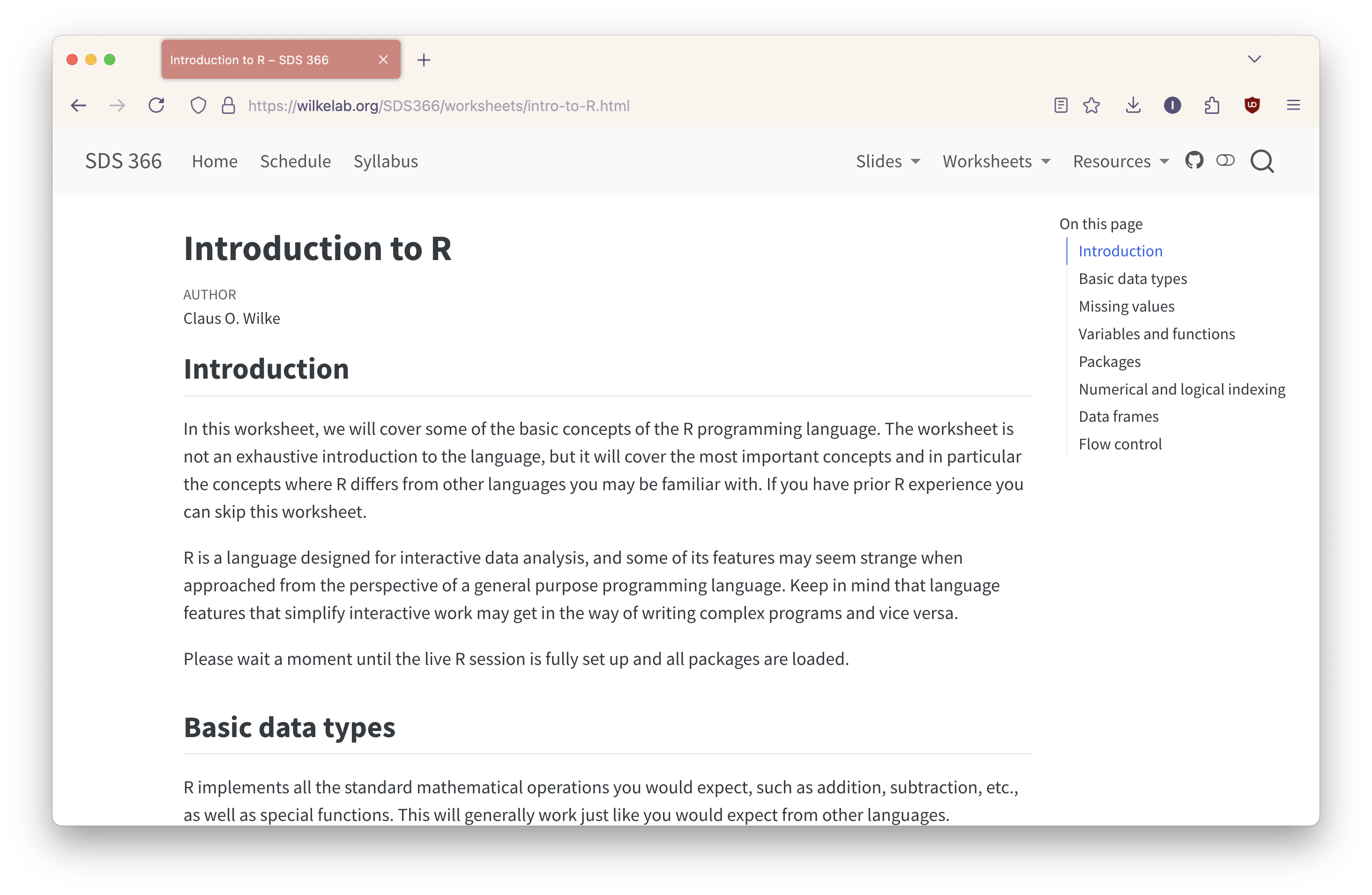
Example: Claus Wilke Introduction to R
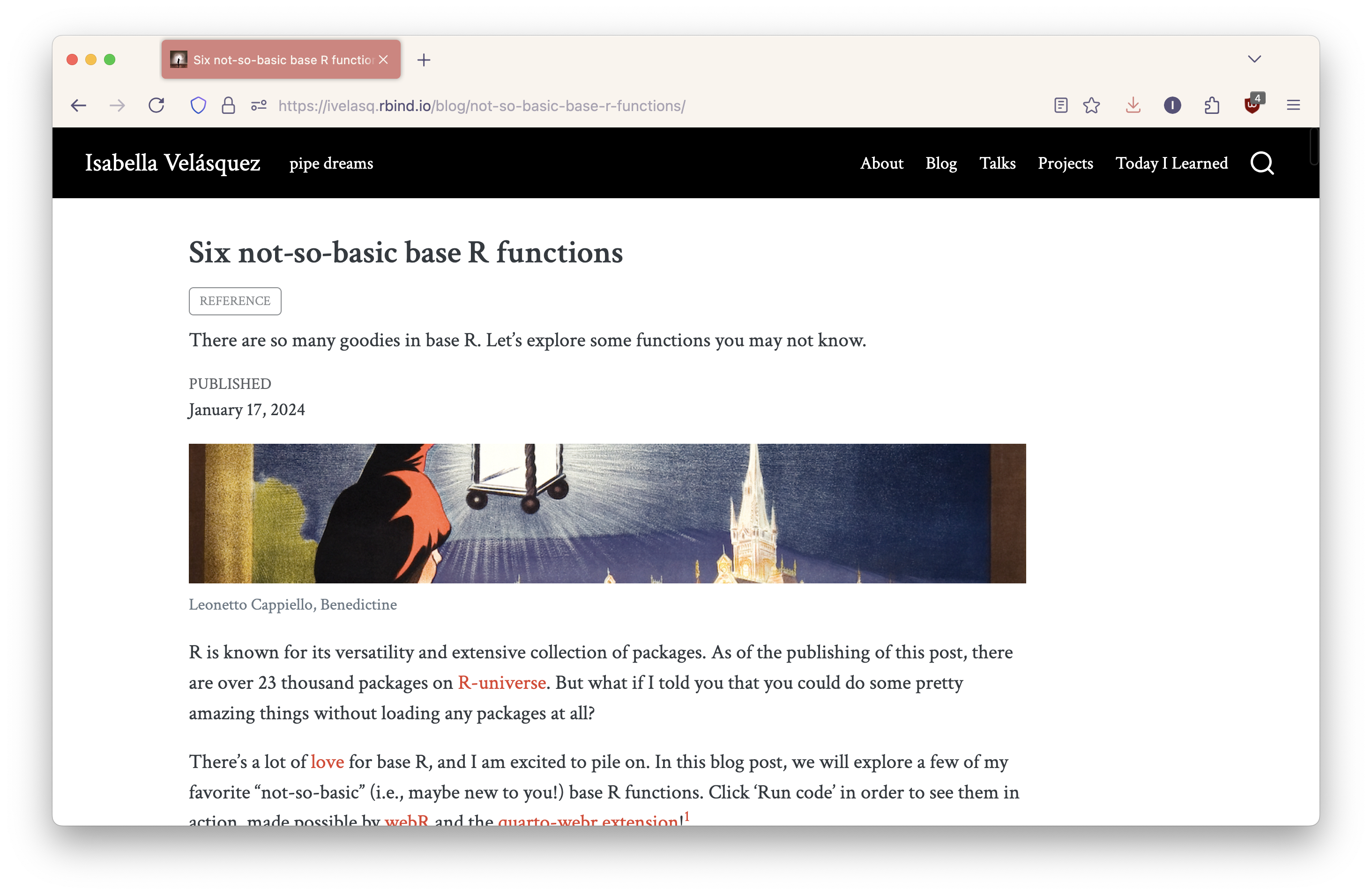
Example: Six not-so-basic base R functions
How to install Quarto Live
Install the extension:
quarto add r-wasm/quarto-live
Add to your Quarto document YAML header:
How to install Quarto Live
Install the extension:
quarto add r-wasm/quarto-live
Add to your Quarto document YAML header:
Installing packages
As the document loads
Installing packages
Interactively
```{webr}
install.packages("dplyr", quiet = TRUE)
```
How to use Quarto Live
Place code in a webr code chunk for R
Place code in a pyodide code chunk for Python
```{webr}
for (x in 1:5) {
  print(x ** 2)
}
```
How to use Quarto Live
Can be used in presentations too:
Edit your YAML header to live-revealjs:
Use the quarto-drop extension to drop an R or Python console into your slides
How to use Quarto Live
Options include:
Creating read-only cells
Autorun
Autocomplete
and more!
Creating exercises
Designating a webr chunk as an exercise (with optional setup code, hints, solutions, and grading).
Consider subtracting 1, 2, and 3 from 10.
webR love 💜
Introduction to Shiny
Shiny allows you to create web apps, no web development skills required.
Traditional Shiny architecture
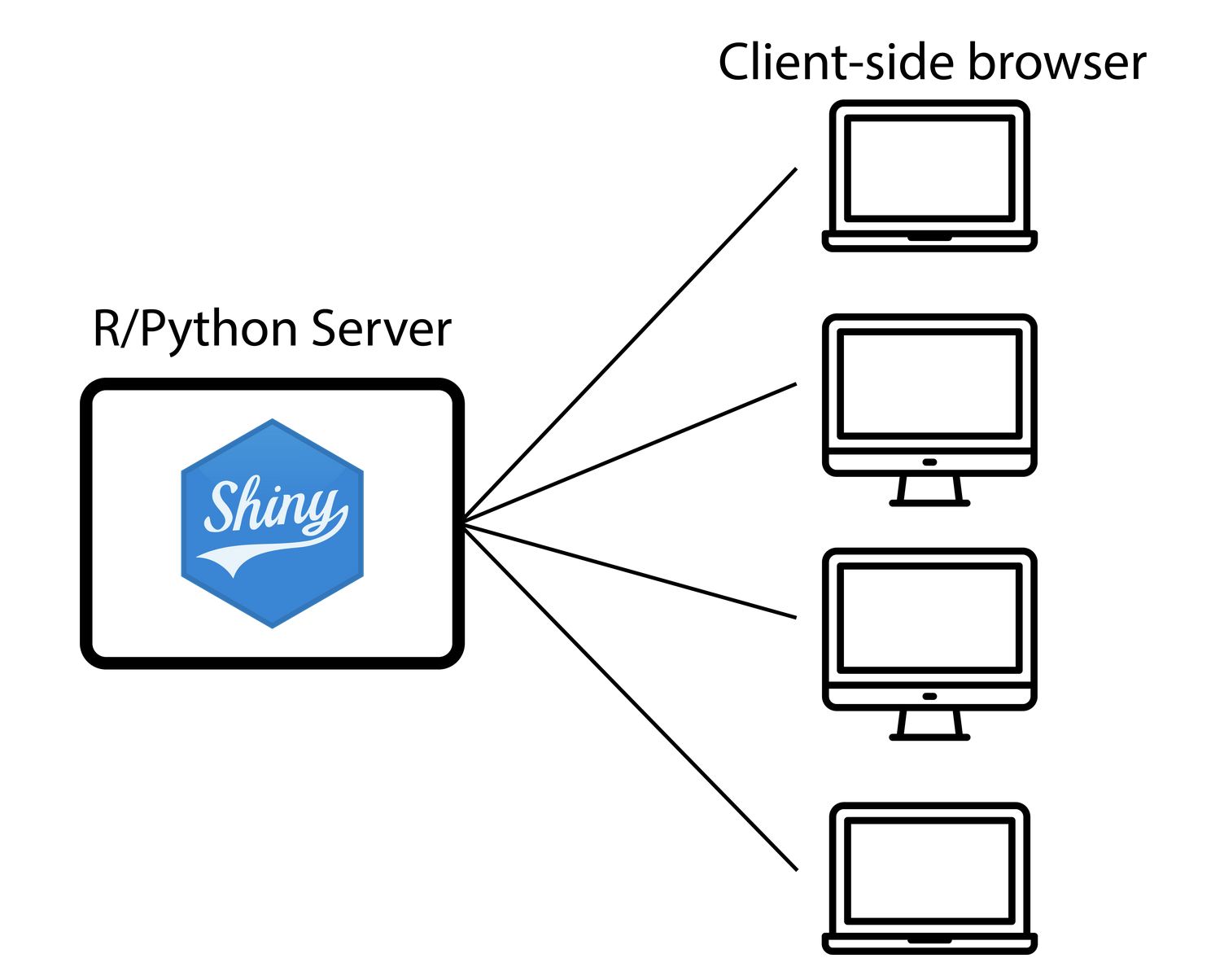
The traditional way of deploying Shiny involves in a separate server and client. A server is a machine, connected to the Internet, that runs 24/7, ready to run your Shiny app. The server runs Python and Shiny, and clients connect via the web browser. Each client keeps an open websocket connection as long as they are using the application. This is of course a simplification of the process, but fundamentally, it looks like this.
Hosting Shiny apps
There are options for hosting Shiny apps, i.e., hosting their syervers, you could have RStudio Server on your laptop. But say you need scalability or additional security for your app, you could pay Posit money to have them host your servers for you with Posit Connect. There are also cloud-based solutions like Posit Connect. There’s a spectrum in terms of number of users, for some, it might just be a few people and for others, we’re talking thousands. There are also some in between, such as academics. Professors might have a few hundred folks looking at their apps, but they don’t have infrastructure or the resources to set it up.
Hosting Shiny apps
Some web services offer scalability, features, and cost:
But they can’t run traditional Shiny apps!
This is static web hosting. And it’s great in terms of reach and affordabilty. You don’t have to think about servers anymore, you just give them your app files. But, there’s no way to run Shiny apps or dynamic R or Python code. If you’ve worked with Shiny in the past, you’ve probably embedded Shiny apps in an iFrame when you wanted to share them on a website.
With Shinylive, anybody can create their own serverless Shiny apps to run in the browser.
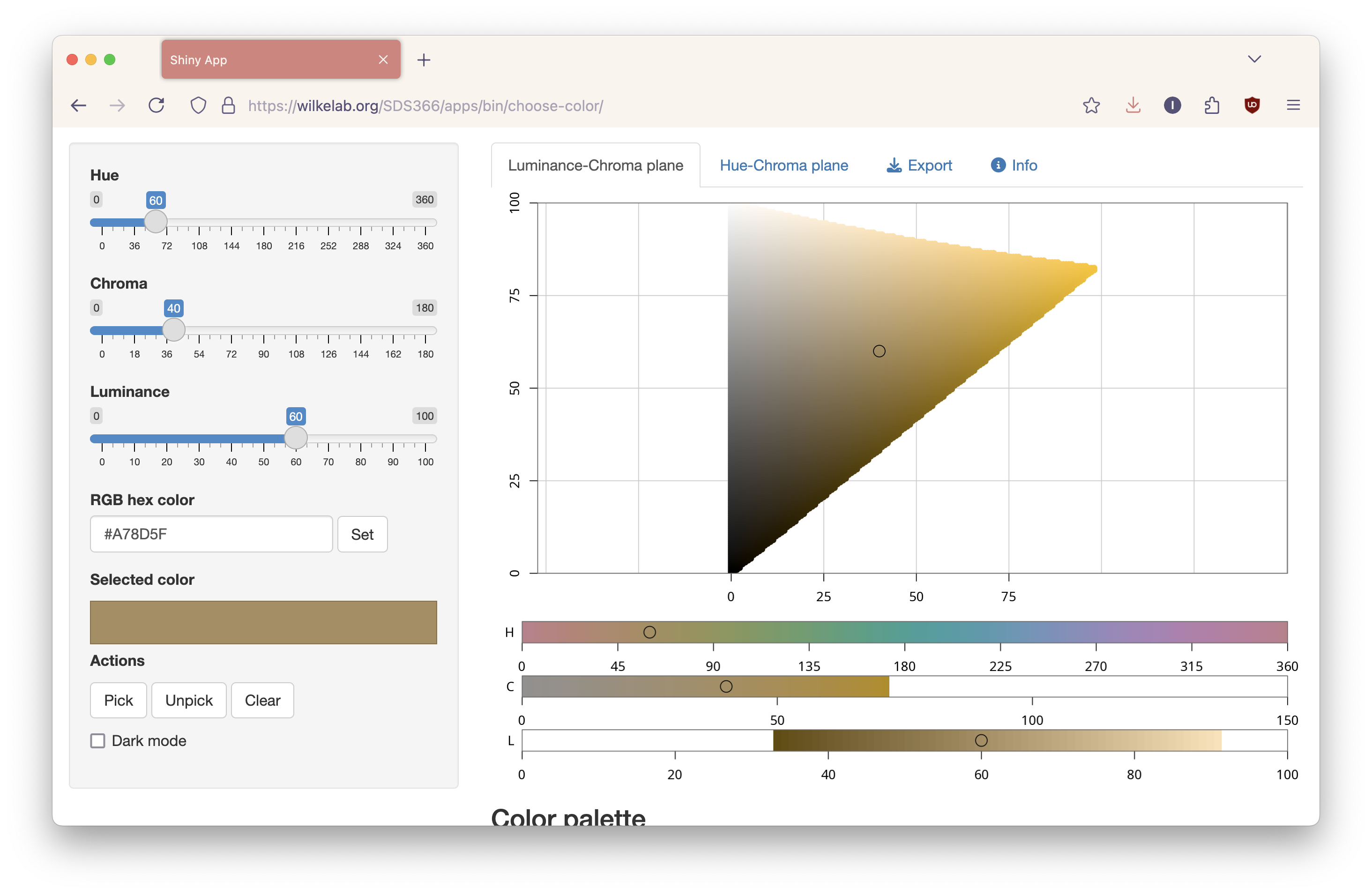
Example: Claus Wilke’s Color Picker App
Introduction to Shinylive
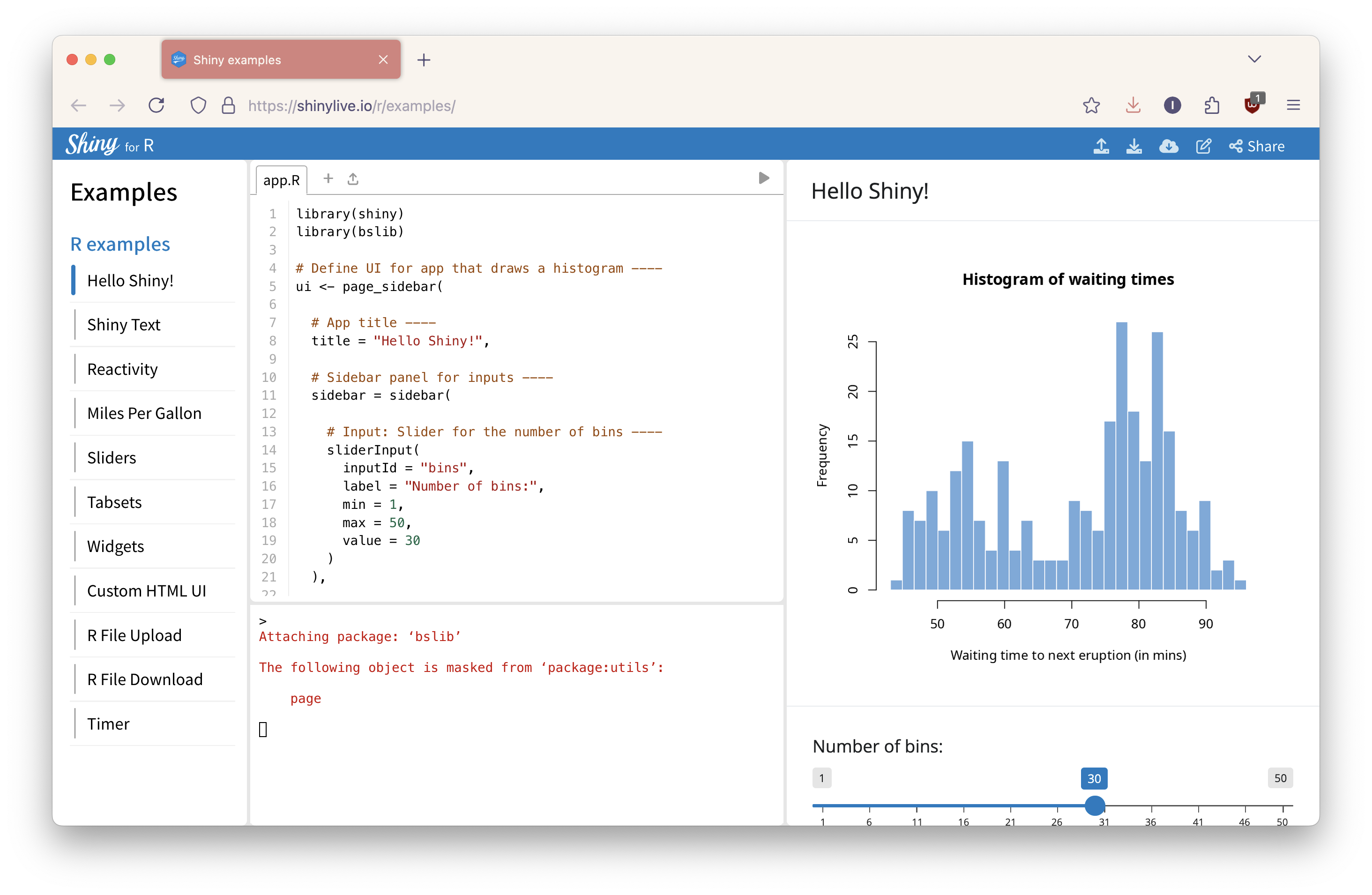
Announced in July 2022 for Python and September 2023 for R, Shinylive uses Pyodide and webR to enable fully in-browser Shiny apps without a backend. It offers an online editor, conversion of existing Shiny apps, and embedding Shiny apps in Quarto documents.
Shinylive architecture
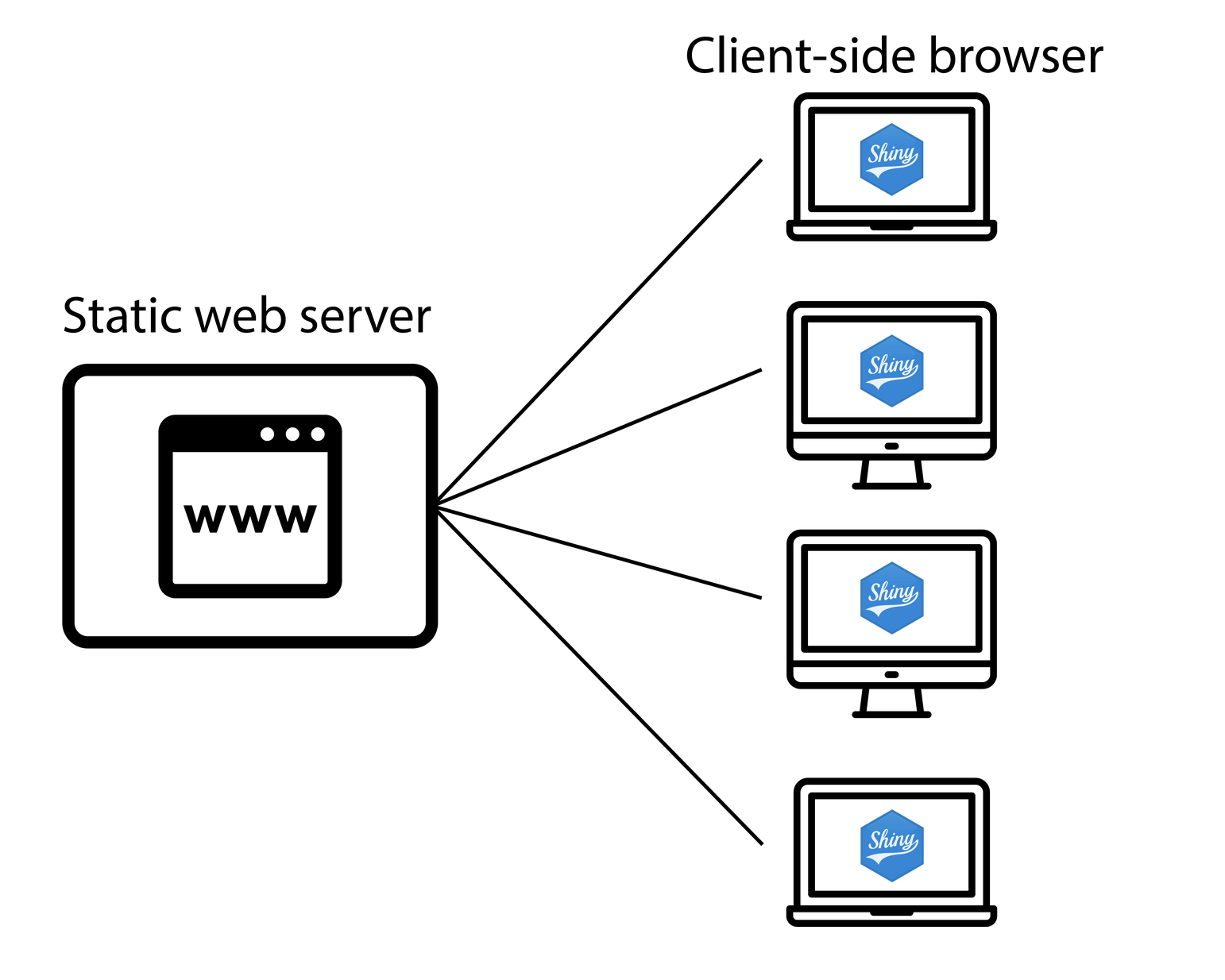
All you need to run Shinylive is one of these static web servers. When an application is deployed with Shinylive, Python and Shiny run in the web browser: the browser is effectively both the client and server for the application. There is a web server that serves files, but it does not run Python or Shiny—it can be a “dumb” static web server.
How to use Shinylive
Shinylive online editor
Convert a Shiny app
Embed a Shiny app with Quarto
How to use Shinylive
Shinylive online editor
There’s an online Shinylive editor for R and Python. The editor is on the left, so you can change the app in real time. Build it live! It uses bslib which is next-generation Shiny creation and styling. It aims to look beautiful right out of the box. You can share apps via the share button, with a URL that you can sent to someone else.
How to use Shinylive
Convert a Shiny app
Install the package:
install.packages ("shinylive" )
How to use Shinylive
Convert a Shiny app
Export the app:
:: export ("myapp" , "site" )
Converting the app takes an app in the my app directory and produces an output directory site and then you can load the files to a static web hosting service.
How to use Shinylive
Convert a Shiny app
Start a web server for the directory:
:: runStaticServer ("site" )
- m http.server 8000
If you want to preview the app, you can run this and it’ll open it up in a web browser.
How to use Shinylive
Embed a Shiny app with Quarto
Install the Quarto extension:
quarto add quarto-ext/shinylive
Add to your Quarto document YAML heading:
How to use Shinylive
Embed a Shiny app with Quarto
Insert a code block with {shinylive-python} or {shinylive-r}
```{shinylive-r} #| standalone: true /* App code here * /```